Roadside assistance & fastest response  |  587-807-6899
Self-serve e-bike rental guide

How to use your electric bike

Your Enlighten Gen3 rental is pedal assist only. There is no throttle: the motor helps while you pedal, then stops helping above about 32 km/h.

No throttlePedal to get motor assist.
32 km/h assist limitThe motor cuts assistance above that speed.
Start on lowUse assist 1 until you feel comfortable.
Brake earlyE-bikes are heavier than regular bikes.
Pickup checklist

Before you roll away

Do these in order. If something feels loose, damaged, flat, or unsafe, stop and call roadside assistance at 587-807-6899 before riding.

1

Unlock the bike

Use the lock code from your email. Keep the lock with you during the rental, because you will need it any time you park.

  • Lock through the frame, not just the wheel.
  • Do not leave the bike blocking sidewalks, doors, ramps, or paths.
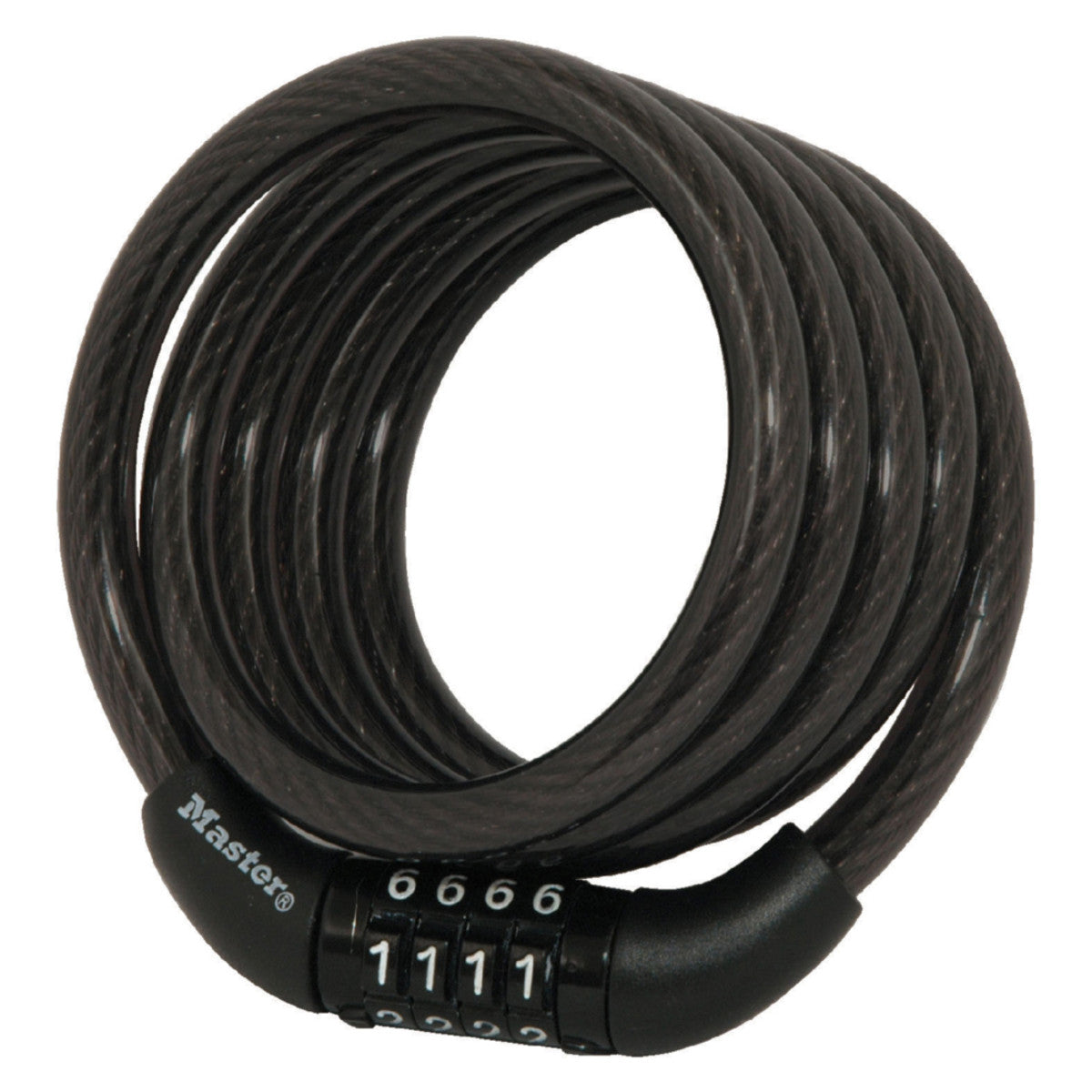
Four-digit combination cable lock for securing the rental bike
2

Check the basics

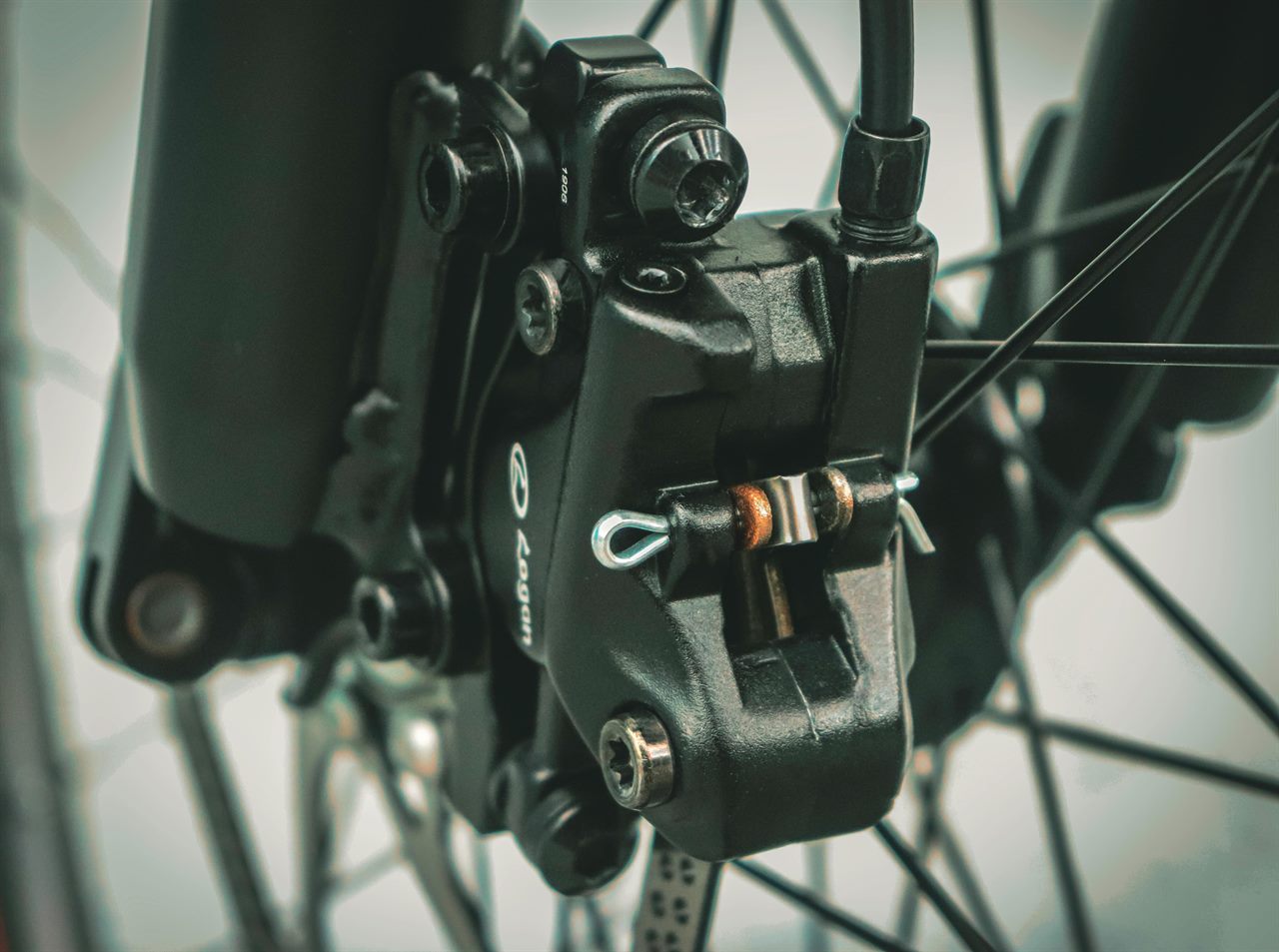
Squeeze both brakes, look at both tires, adjust your seat, and make sure the bike feels stable before turning the motor on.

  • Front and rear brakes should feel firm.
  • Tires should not look flat or soft.
  • Your knee should have a slight bend at the bottom of the pedal stroke.
Close-up of a bicycle disc brake for a pre-ride brake check
3

Power on, then start low

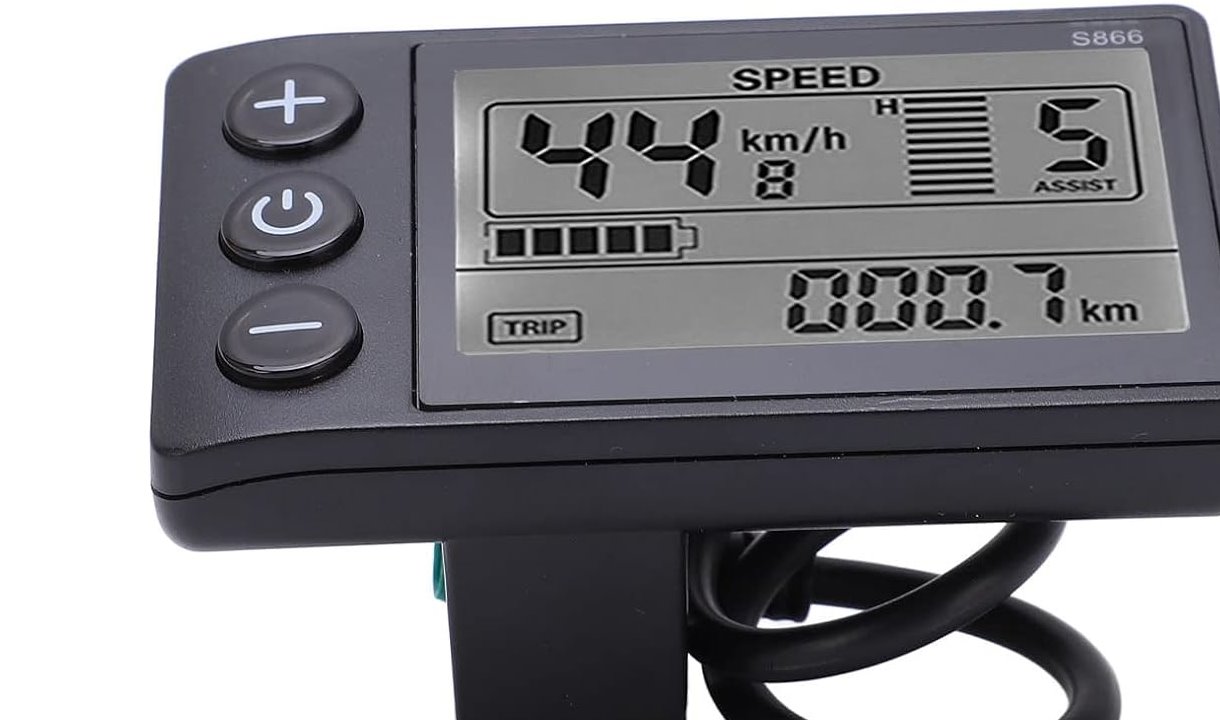
Hold the display power button until the screen turns on. Set pedal assist to low before you start moving.

  • Assist 0 means motor off.
  • Assist 1 is best for starting and busy areas.
  • Increase assist only once you have open space.
S866 e-bike display with plus, power, and minus assist buttons
4

Pedal gently to begin

The motor turns on only when you pedal. It can feel stronger than a normal bike, so make your first few pedal strokes smooth and easy.

  • Keep one foot ready when starting from a stop.
  • Do not push hard on the pedals while standing still.
  • Slow down around pedestrians, corners, dogs, and children.
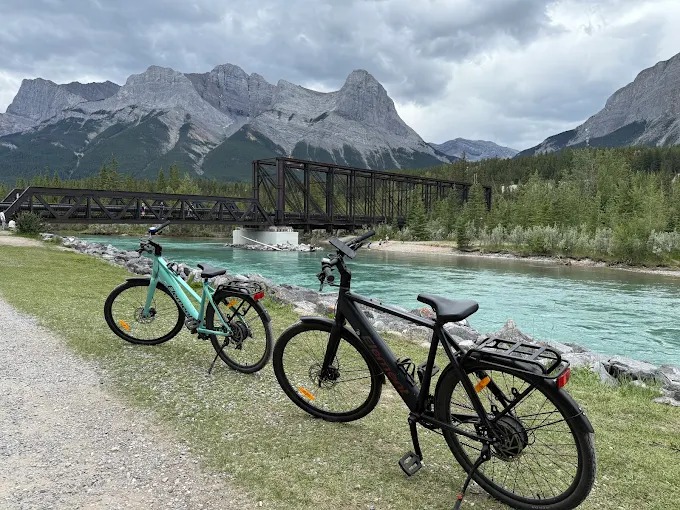
Rundle Bike e-bikes on the riverside path near the Engine Bridge
Pedal assist

Use the motor like help, not autopilot

This bike is set up for legal pedal assist riding. There is no throttle. If you stop pedaling, the motor stops helping.

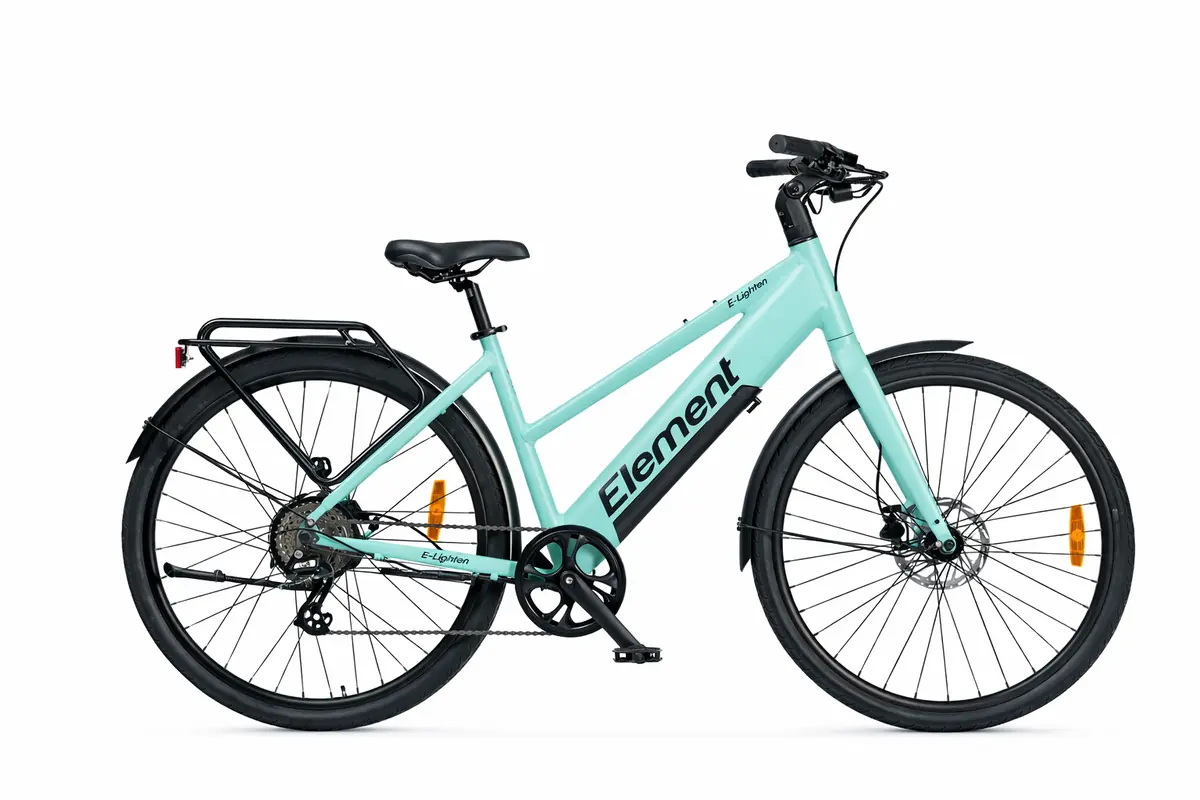
Enlighten Gen3 e-bike side profile

Which assist level should I use?

Use the lowest level that feels comfortable. Higher assist drains battery faster and makes the bike accelerate more quickly.

0Motor off. Use this when walking the bike or saving battery.
1-2Best for starting, pathways, crowds, and relaxed riding.
3Good for steady riding, open paths, and moderate hills.
4-5Use briefly for hills or open areas where it is safe and legal.

Controls and display layout may vary slightly by bike.

Ride safely

What rental staff would normally tell you

These are the habits that prevent most e-bike problems: start slow, brake early, keep space, and stop riding if the bike feels wrong.

Helmet on

Wear your helmet for the full ride. Check that the straps are snug and the helmet sits level on your head.

Yield to people

Slow down for walkers, dogs, kids, corners, crosswalks, blind turns, and busy pathway sections. Use your bell or voice before passing.

Brake smoothly

Use both brakes gently. Brake before turns and downhill sections, not halfway through them.

Shift before hills

Use an easier gear before the climb starts. Do not force the pedals while shifting.

Save battery

Use low or medium assist most of the time. High assist, hills, wind, cold, and hard starts use battery faster.

Do not modify it

Do not change wiring, controller settings, speed limits, brakes, throttle parts, or any bike hardware.

End of rental

Return it cleanly

When you are done, use the return link from your email if one was sent to you. If anything was damaged, loose, flat, or not working properly, tell us right away.

Turn the bike offHold the power button until the display turns off.
Lock frame to rackLock through the frame to a fixed rack or secure object. Do not lock only the wheel.
Use the right locationReturn to the location or pickup spot listed in your booking details.
Report problemsCall roadside assistance at 587-807-6899 for anything during your rental. It is the fastest response.

Stop riding if something feels unsafe

Weak brakes, flat tire, damaged battery or wiring, error screen, crash, or motor behavior that feels wrong: stop and call 587-807-6899.